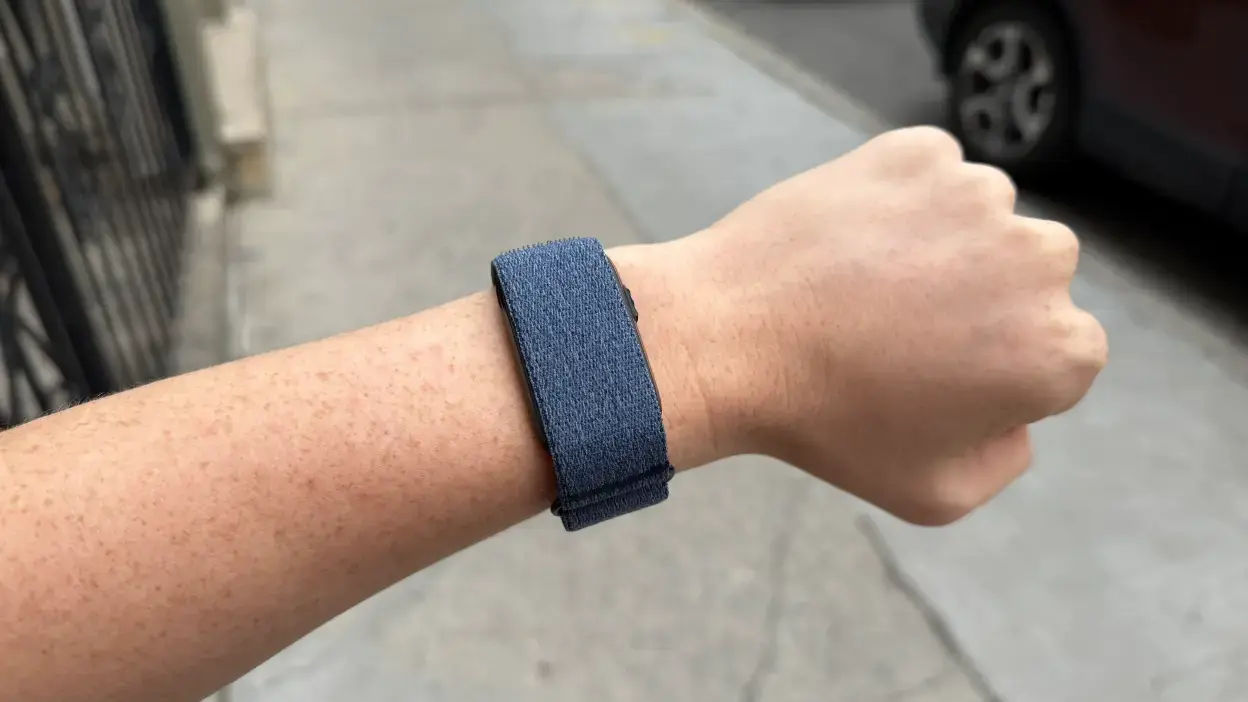
Garmin released firmware version 4.20 for its Cirqa smart band this week, adding smartphone notifications that users had been missing. The update lets the Cirqa buzz your wrist for incoming texts, calls, and other alerts from your phone.
To use the feature, your Cirqa must run firmware 4.20 or later. Open the Garmin Connect app and sync your band to install the update. Then grant Garmin Connect permission to access SMS, Contacts, and Phone in your phone's settings. In Garmin Connect, go to Notifications and Alerts and turn on text and call alerts.
If alerts don't arrive, check that Do Not Disturb, Sleep Mode, and Battery Saver settings are off on both your phone and band.
The 4.20 update also includes other fixes and improvements. Cirqa now detects run/walk patterns for Trail Run activities. The band can calibrate distance for Treadmill Run, Indoor Rowing, and Indoor Cycling before you save an activity. Heart rate now appears on the Live Activity screen before recording starts. Garmin fixed issues with activity timestamps, bedtime reminders, pinned activities reverting after language changes, and workout rep editing.
Note that Garmin's own FAQ still states the Cirqa does not vibrate for text messages or phone calls, so that page is outdated.