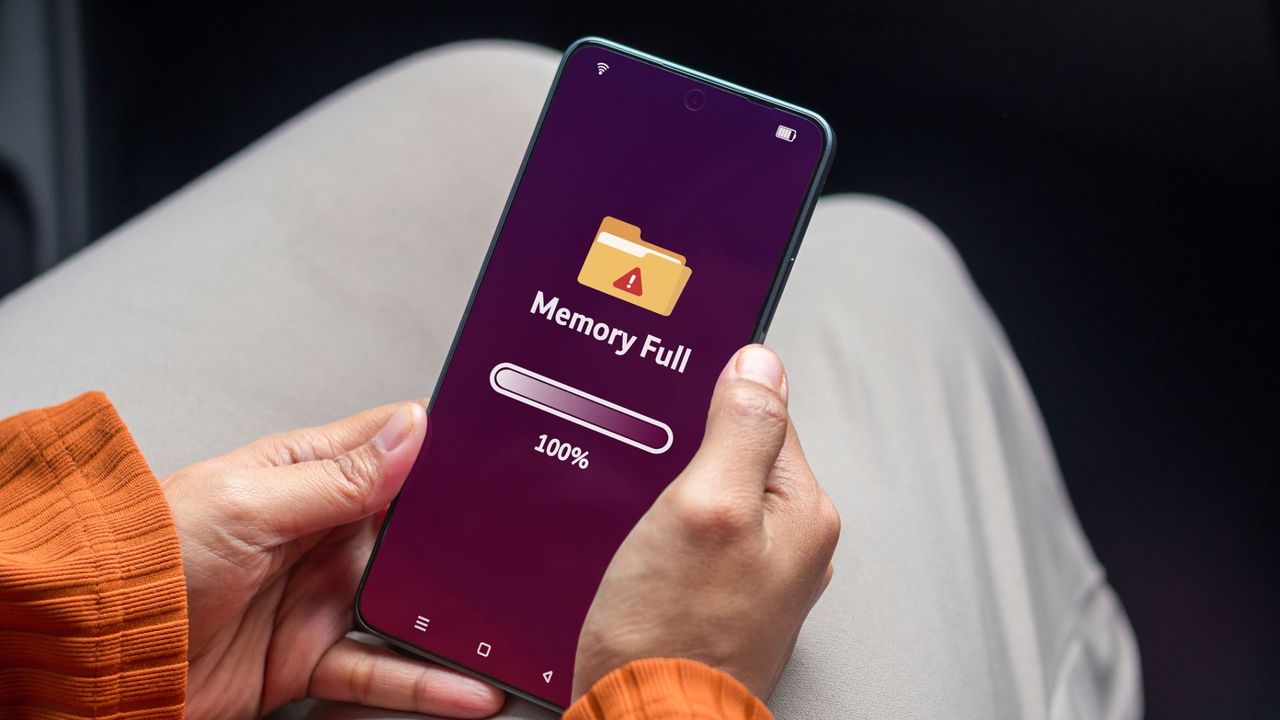
Google is changing how it counts Android device backups, and the shift will eat into your free storage quota starting December 2024.
Currently, Android backups consume space but don't count against your 15GB free Google One account. Beginning next month, all backup data—including photos, videos, messages, and app data—will count toward that same 15GB limit shared across Gmail, Google Drive, and Google Photos.
This change affects anyone with an Android phone or tablet. If you back up multiple devices or store lots of photos and videos, you'll likely hit the 15GB ceiling faster. Once you exceed the limit, Google forces you to either delete content or pay for additional storage.
Google One subscription plans start at $2.99 monthly for 100GB. The 200GB plan costs $3.99 monthly, and 2TB runs $9.99 monthly. Family plans are also available. If you've never paid for storage, this change might force your hand if your backups are substantial.
You have options to avoid charges. First, reduce what you back up. Open your Android settings, navigate to Google Account > Manage your Google Account > Storage, and adjust backup preferences to exclude apps or app data you don't need. This keeps your backup lean.
Second, delete old backups. Keeping multiple outdated device backups wastes space. Remove backups from phones you no longer use.
Third, manage photos separately. If Google Photos is consuming most of your 15GB, turn off automatic backup for photos. You can still manually upload important images.
Fourth, delete emails and clear Gmail. Email often accumulates quietly. Archive or delete old messages, empty your trash, and remove large attachments.
The deadline matters. Backups created after December 11, 2024, will count immediately. Existing backups have a grace period through March 2025,